How do I edit curve data?
There are a few ways to open the Logs form where you can edit curve data. In a view window (for example the Well View), right-click on the curve (you can right-click on the curve in the track, or in the track header) and select Edit to open the form. In the JewelExplorer, right-click on the logs of one of the wellbore and select Edit to open the form. Note that the Edit option is not available for all curves, such as 'calculated' and 'dependent' curves. On the Logs form, the individual curve data points can be edited.
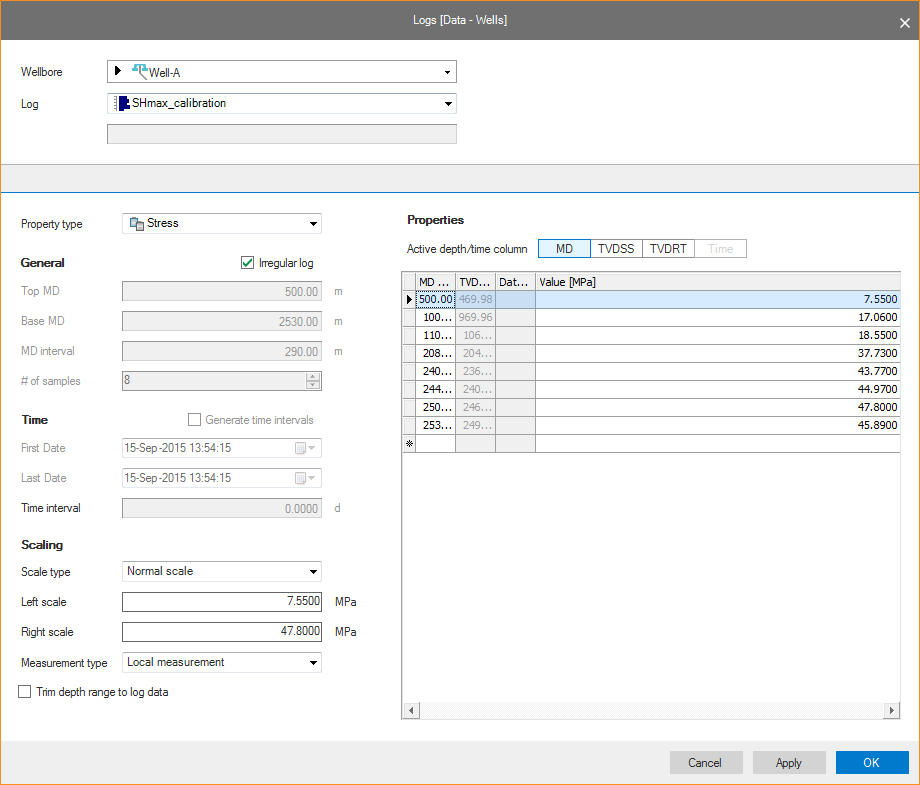
click to enlarge
You can also edit logs using the Property Calculator (Tools > Property Calculator). Here you can type any expression you want and create, calculate, or edit any property.